Designing an AI Native Canvas
Design engineer at Magic Patterns shows how he designs their AI tool

Howdy folks! Below are 4 key design tactics I learned from interviewing Alex Lee at Magic Patterns about designing AI tools for designers.
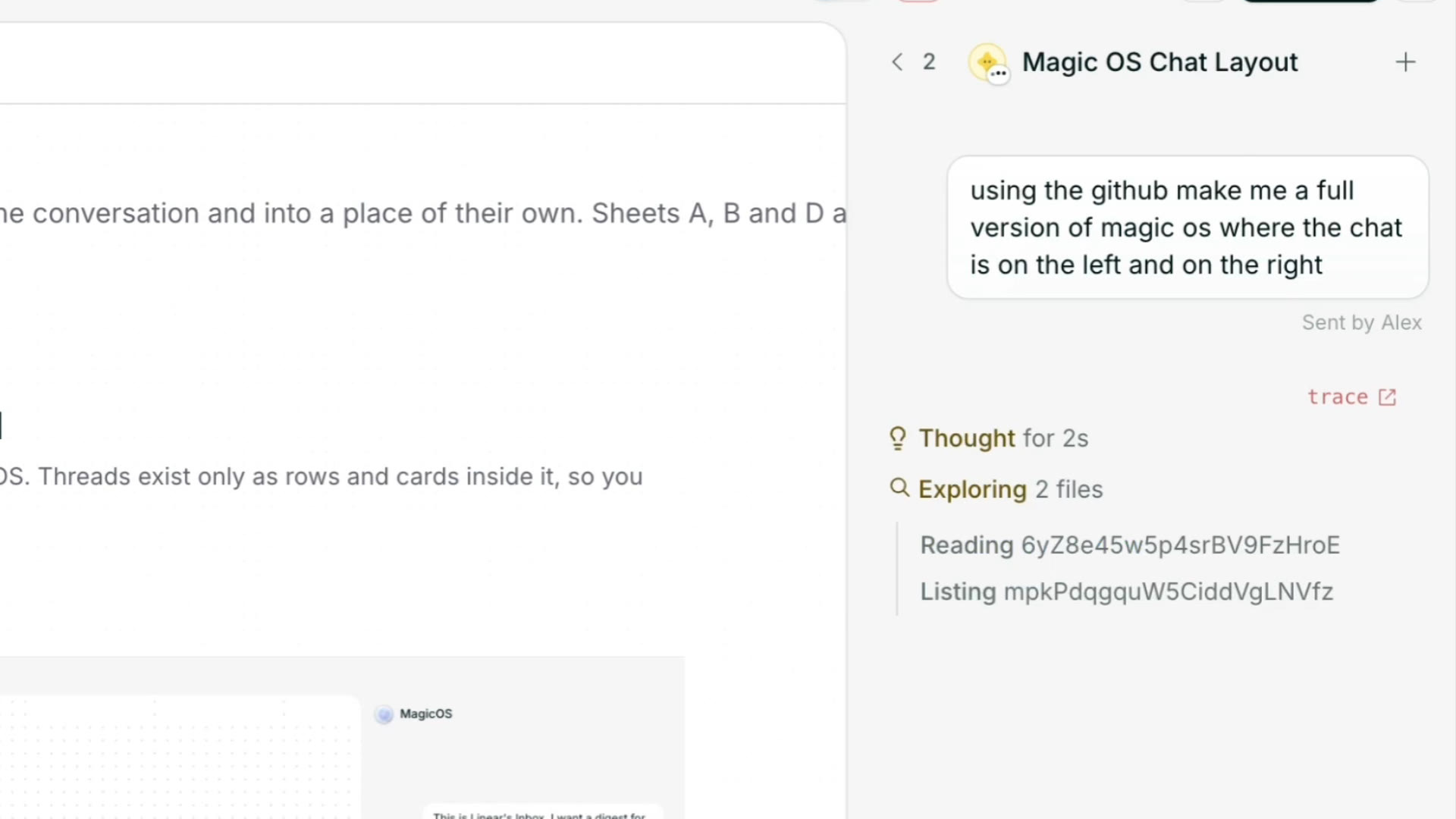
1. Keep the agent chat on the right
A lot of AI tools put the agent chat on the left but Alex kept it on the right so the design stays front and center. He even had MagicOS build working versions of both to compare them. He also added small design details like a shimmer on active threads and a check mark on finished ones to make the product delightful to use especially in such a crowded market!
2. Don’t take control away from users
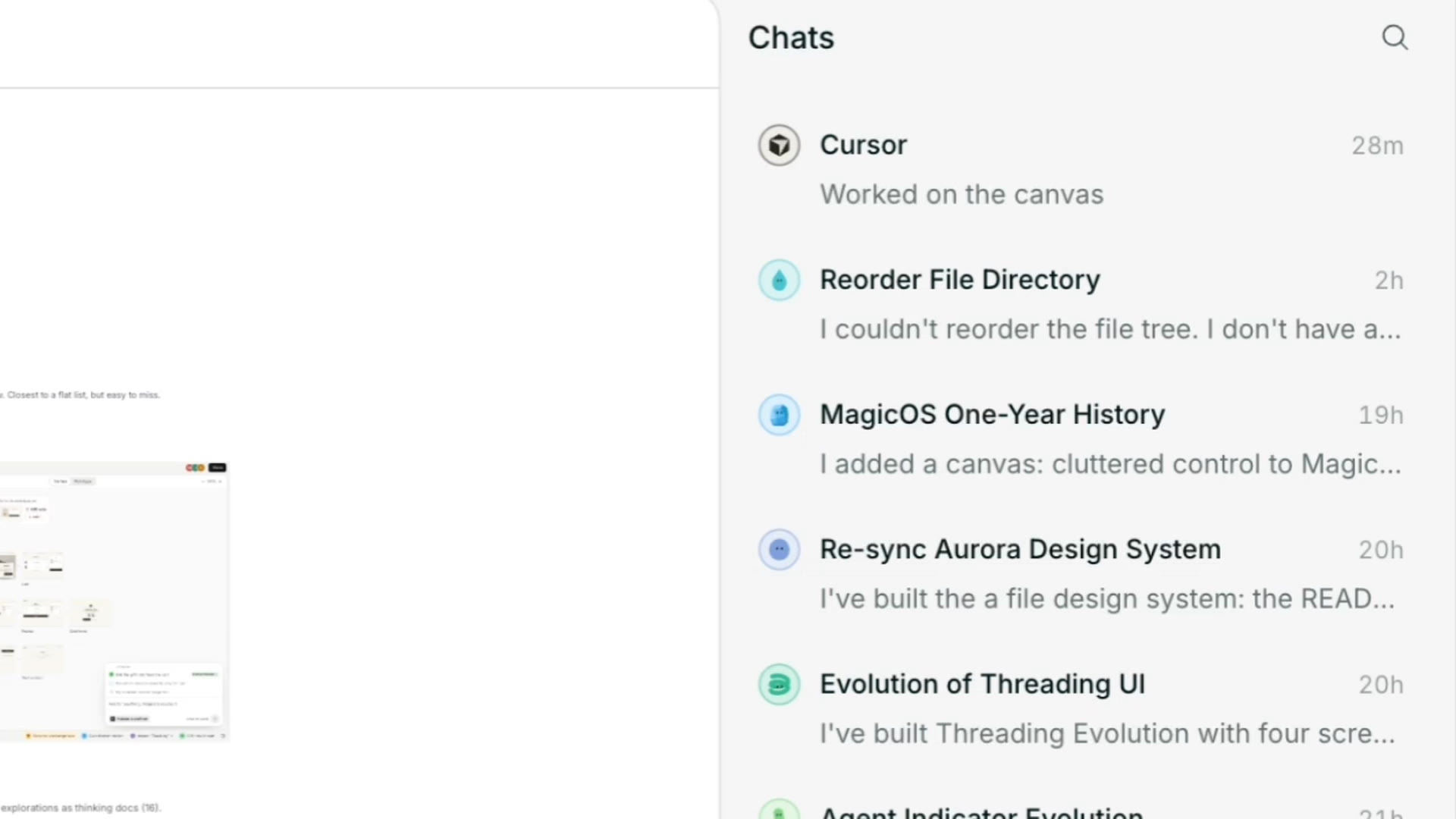
The issue with one long linear chat is that it breaks once you’re working on multiple tasks. Alex tried auto sorting prompts into threads but this confused designers who are already used to managing their own threads in AI tools like Cursor and Codex. So he pulled it back and handed control back to the designer!
3. Make new users import their own work
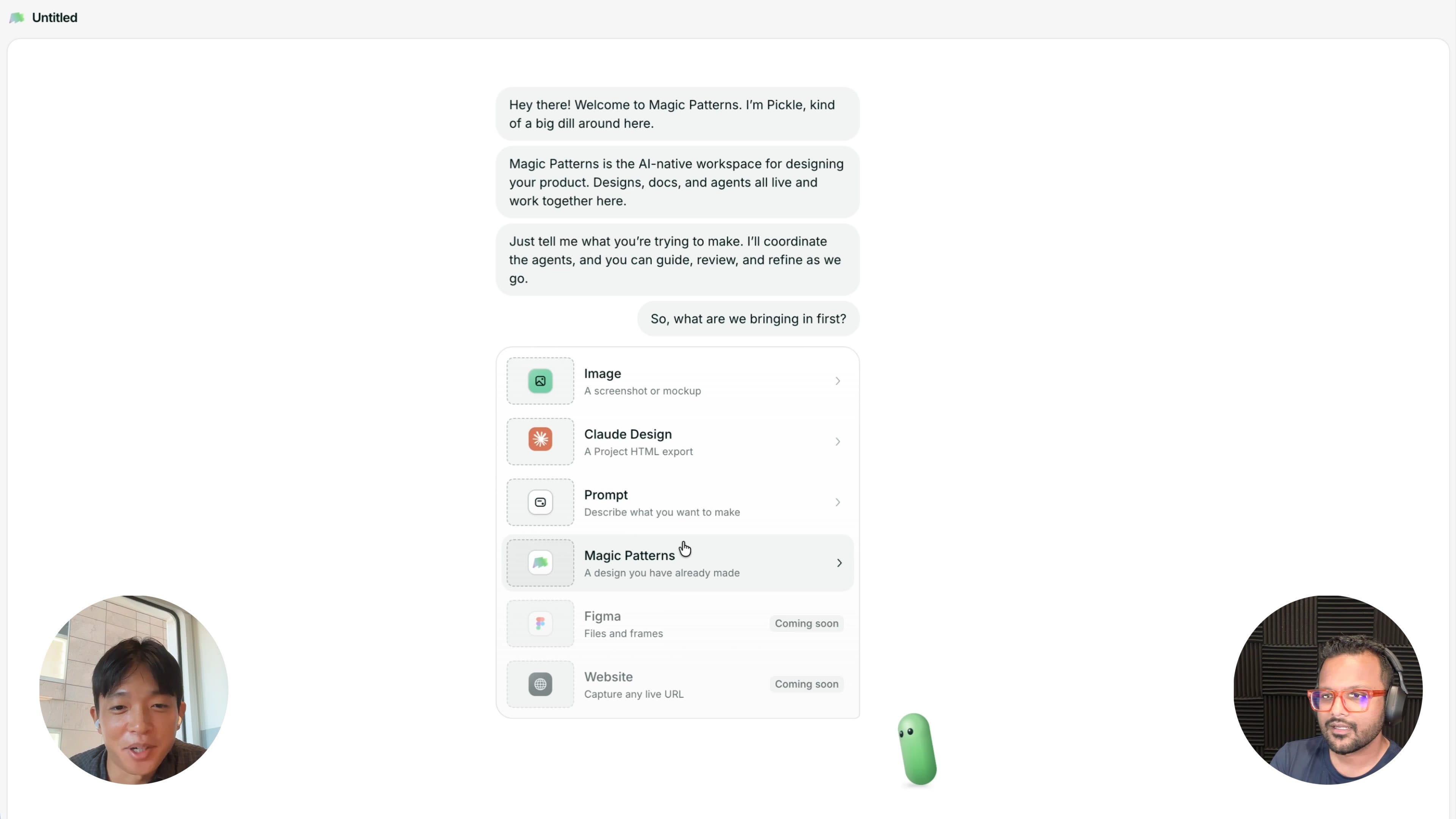
Initially new users trying out MagicOS started with demo examples but the issue was they weren’t really thinking about their own use case while playing with them. So the team made it mandatory for new users to import something they’re actually working on even if it’s just a screenshot. This significantly improved user engagement.
4. Dogfood your own product
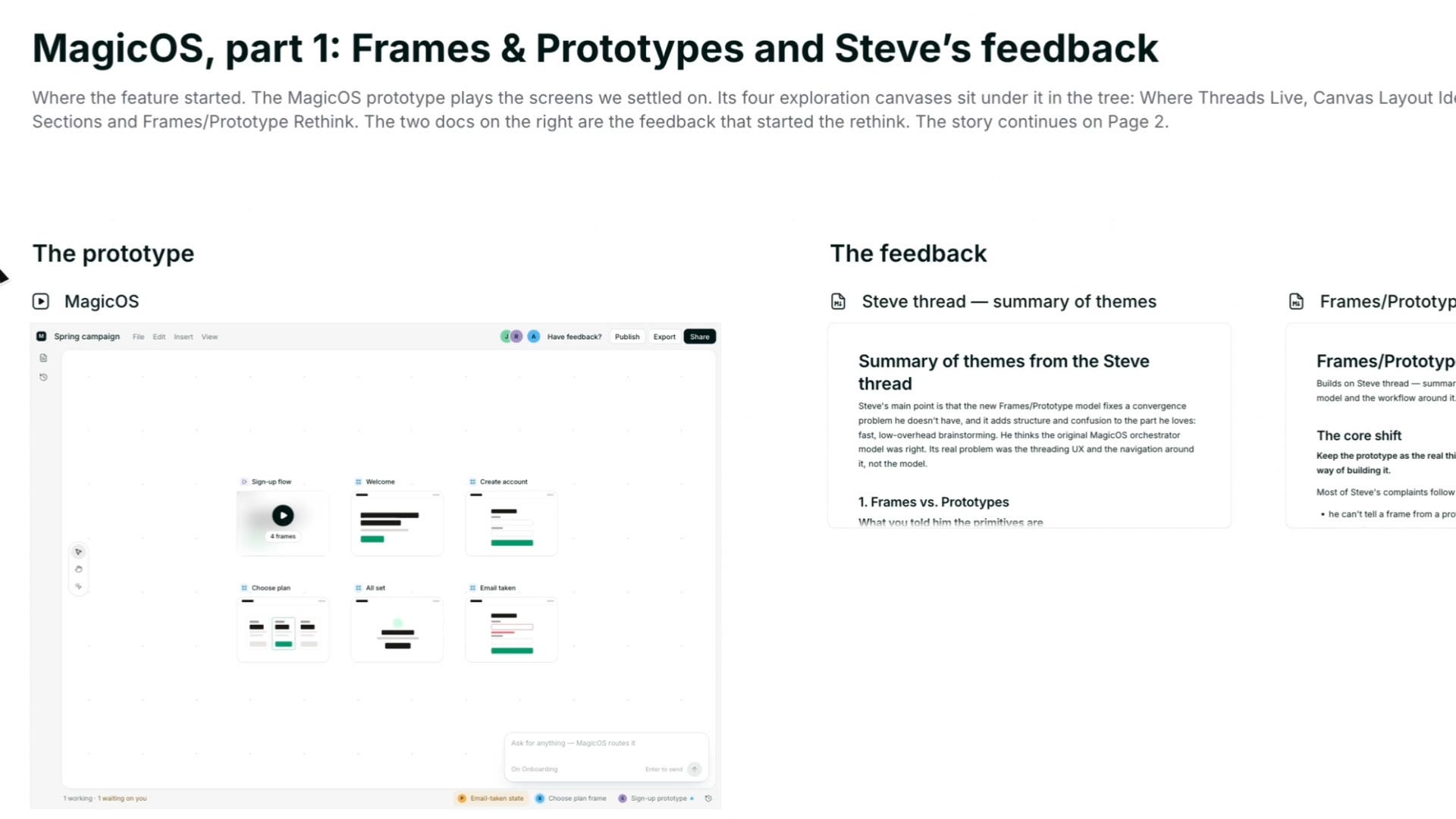
Pretty much everything you see in MagicOS was designed in MagicOS even the characters. Using his own product every day helps him feel the same pain points as his users!
📺 Watch the full interview
🔓 Unlock AI & Growth Design Interviews
Refer Sneak Peek to your friends to unlock exclusive interviews on AI Design & Growth Design!
Discussion about this video