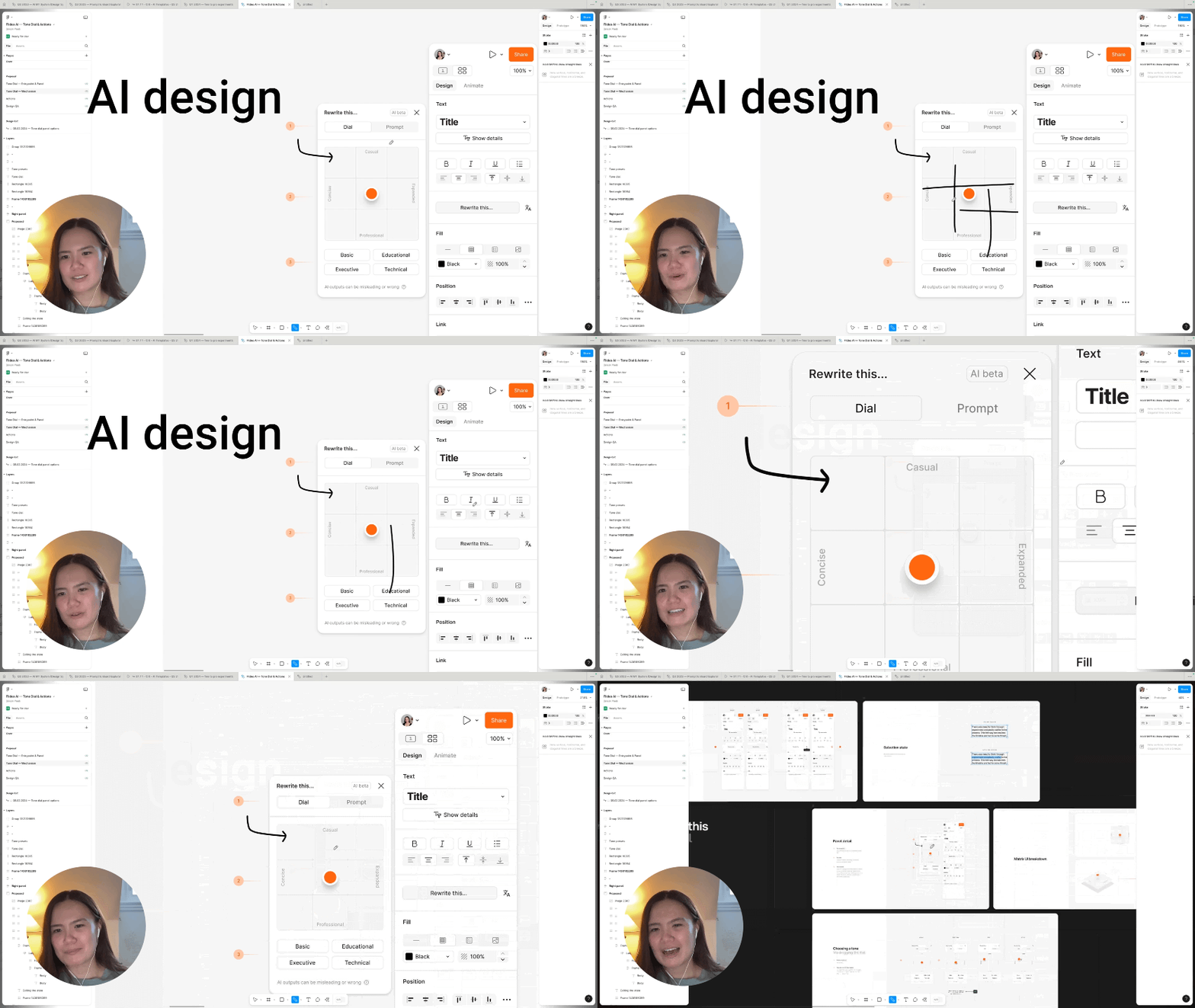
Howdy folks! Below are 4 key AI prototyping tactics I learned from interviewing Harssha Vardan at Pocket FM about how his design team built their playground. Lemme know what’s your biggest takeaway?
1. Automate design inspiration with Mobbin MCP
Harssha automated design inspiration with a custom Codex skill on top of Mobbin MCP. Instead of manually hunting screens on Mobbin and dropping them into Figma he lets the skill pull references of competitors and even outside their industry when he asks!

2. Sharing skills Across Codex, Cursor, and Claude
The Pocket FM design team jumps between Codex, Cursor and Claude depending on the task. Harssha symlinked one skill set across all three so they never maintain three separate versions. Cursor and Codex share a “.agents” file while Claude keeps a version of it saved as “.claude” and these files stay linked. The skills live in the team’s GitHub repo so when a designer clones the prototyping playground they already have them.

3. Top 3rd party skills
DialKit by Josh Puckett gives Harssha knobs and sliders on the live prototype so he can tweak size and spacing without burning another prompt. Agentation by Benji Taylor lets him leave Figma like comments on an AI prototype and push that feedback straight into the model he’s using. For motion he leans on Emil Kowalski’s open-sourced animation skill so Codex isn’t inventing timing from scratch!

4. Building a Second Brain
Every time Harssha pushes a demo a script reads his whole Codex chat and pulls out unspoken rules he kept repeating to the model. Think noise texture on buttons or other small DS nuances that never made it into the docs. Those learnings get grouped and a side agent appends them to GitHub so the shared team skills pick them up. So the design team’s second brain keeps getting smarter and smarter every time a designer ships a PR!

📺 Watch the full interview
🔓 Unlock AI & Growth Design Interviews
Refer Sneak Peek to your friends to unlock exclusive interviews on AI Design & Growth Design!