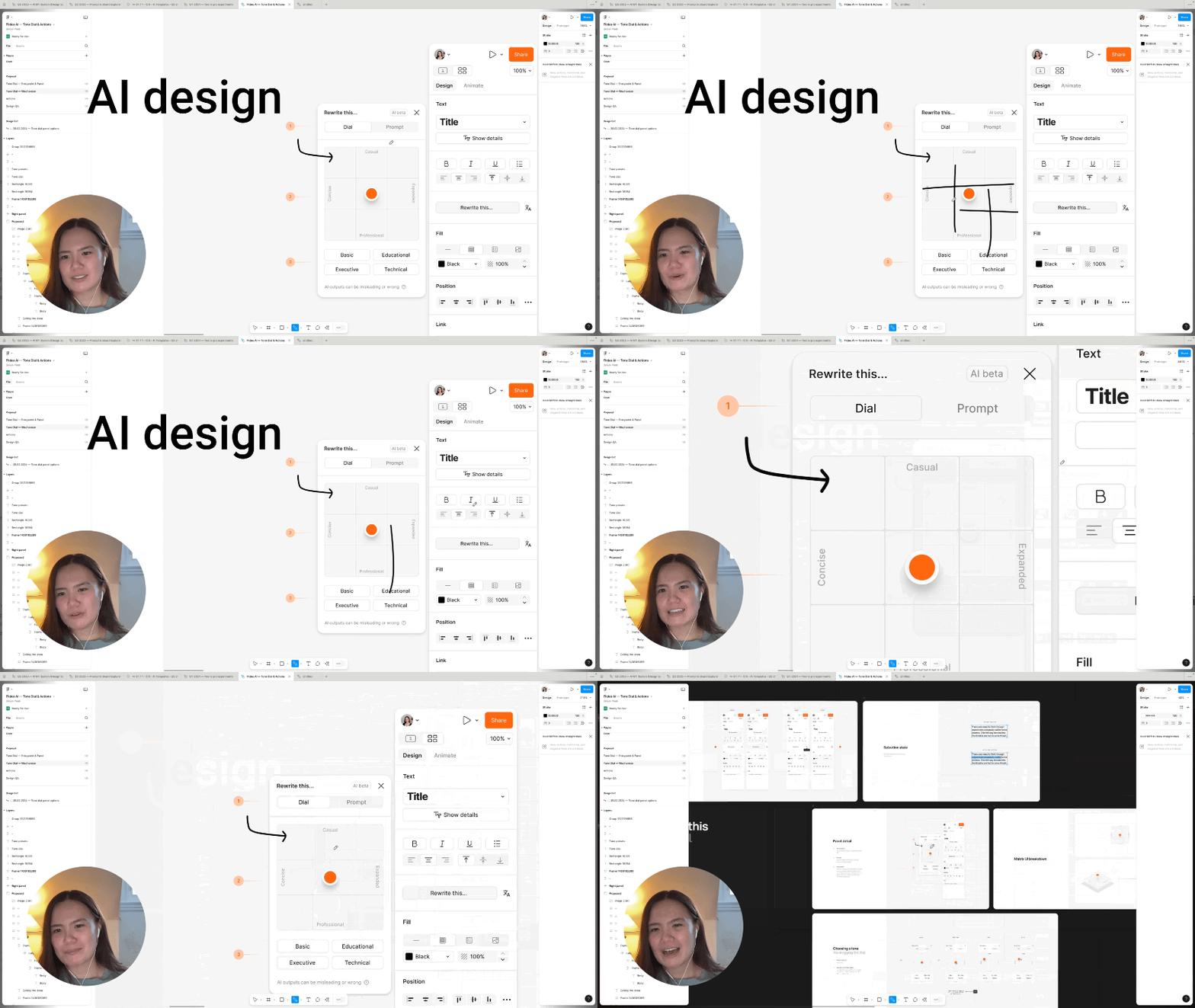
Howdy folks! Below are 3 key Cursor tactics I learned from interviewing 6 top designers on how they use Cursor.
1. Custom actions
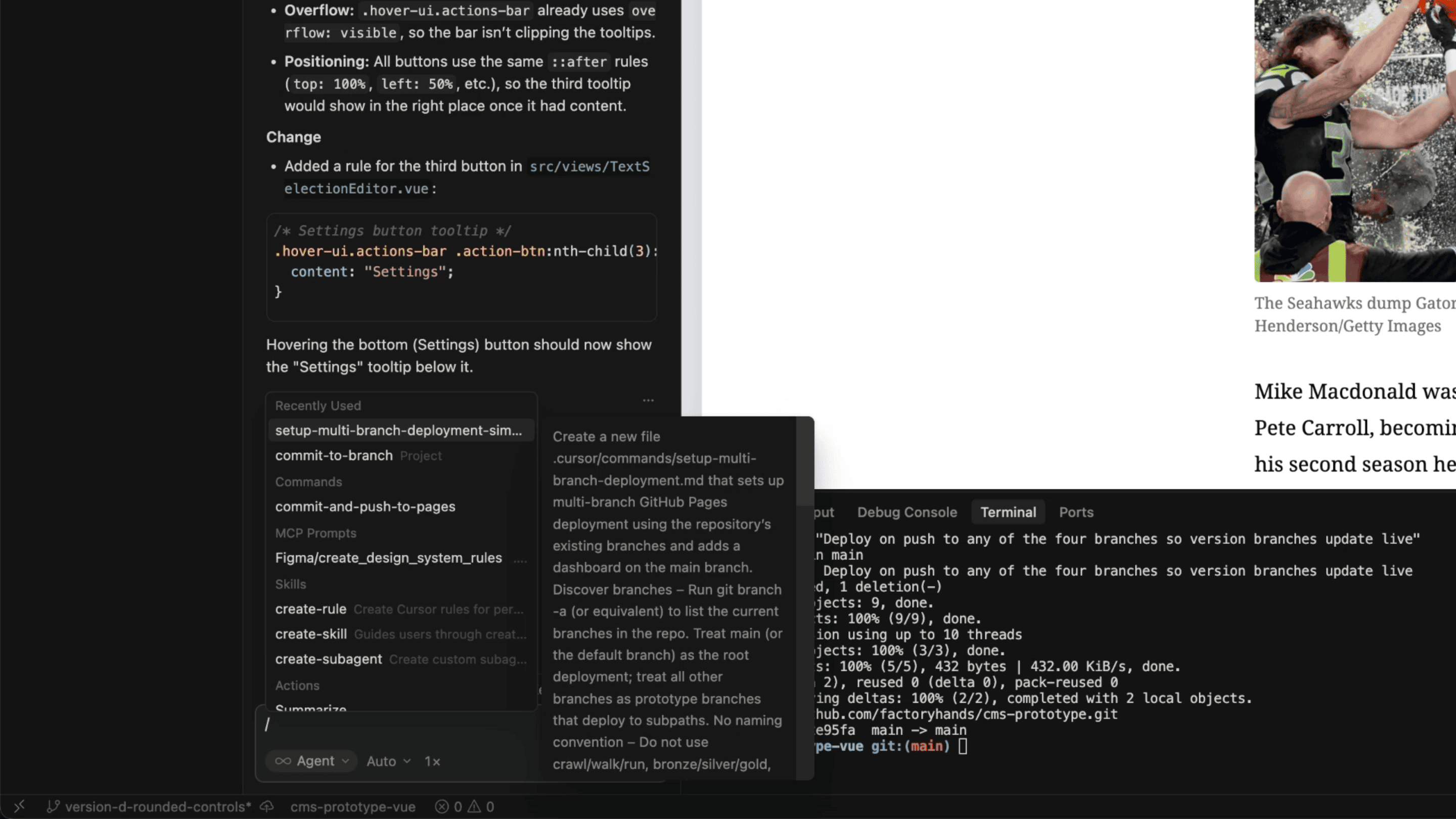
At CNN Jennifer Spriggs saves her repeat prompts in Cursor as commands to save time. Her ‘Commit to Branch’ command for example is just one line in a markdown file that tells Cursor to stage everything and commit with a short message and don’t create a new branch or push.
She added the “don’t” part at the very end on purpose, so the agent doesn’t go ham and start doing stuff she never asked for.
2. Picking the right model
At DuckDuckGo Karl Koch splits his workflow across two models in Cursor. Opus does the thinking in plan mode and Composer builds the designs.
This isn't about saving tokens. It's about speed. Composer ships his plan way faster at the same quality!
3. Using Cursor for automating design systems
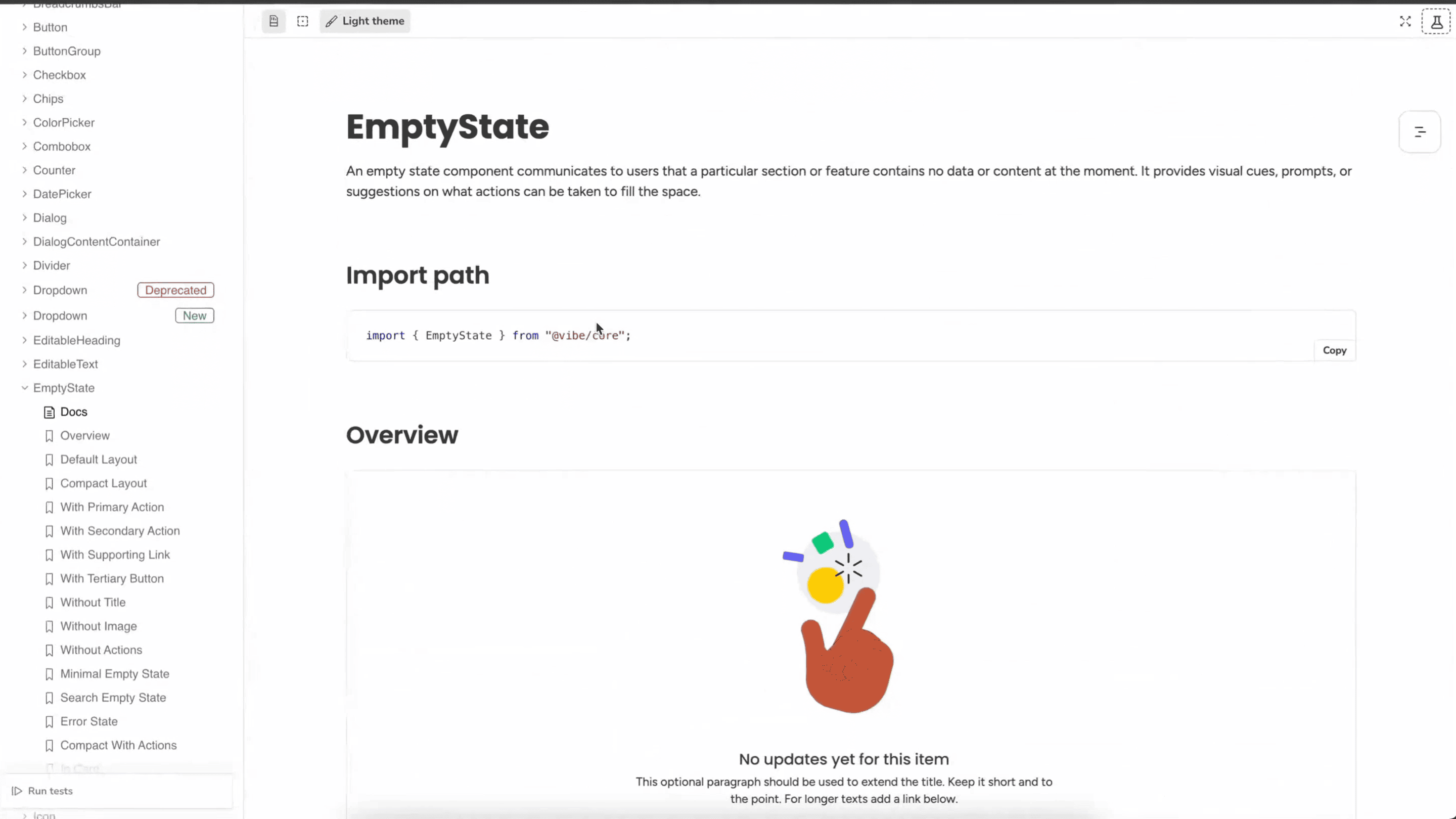
At monday.com Elad Mizrahi uses Cursor to generate 80-90% of their design system code by creating custom rules and specs. He used to maintain entire Storybook pages in Figma. Now Cursor builds and updates those Storybook pages for him automatically!
📺 Watch the full interview
🔓 Unlock AI & Growth Design Interviews
Refer Sneak Peek to your friends to unlock exclusive interviews on AI Design & Growth Design!